Driving Behavior Change
Designing a personalized home experience to help users understand and improve their driving behavior
Role: Lead Product Designer
Focus: Personalization, Behavior change, User testing
Improved understanding of how driving behavior impacts score
Increased engagement with trip-level insights
Encouraged users to reflect on and adjust driving habits
Problem
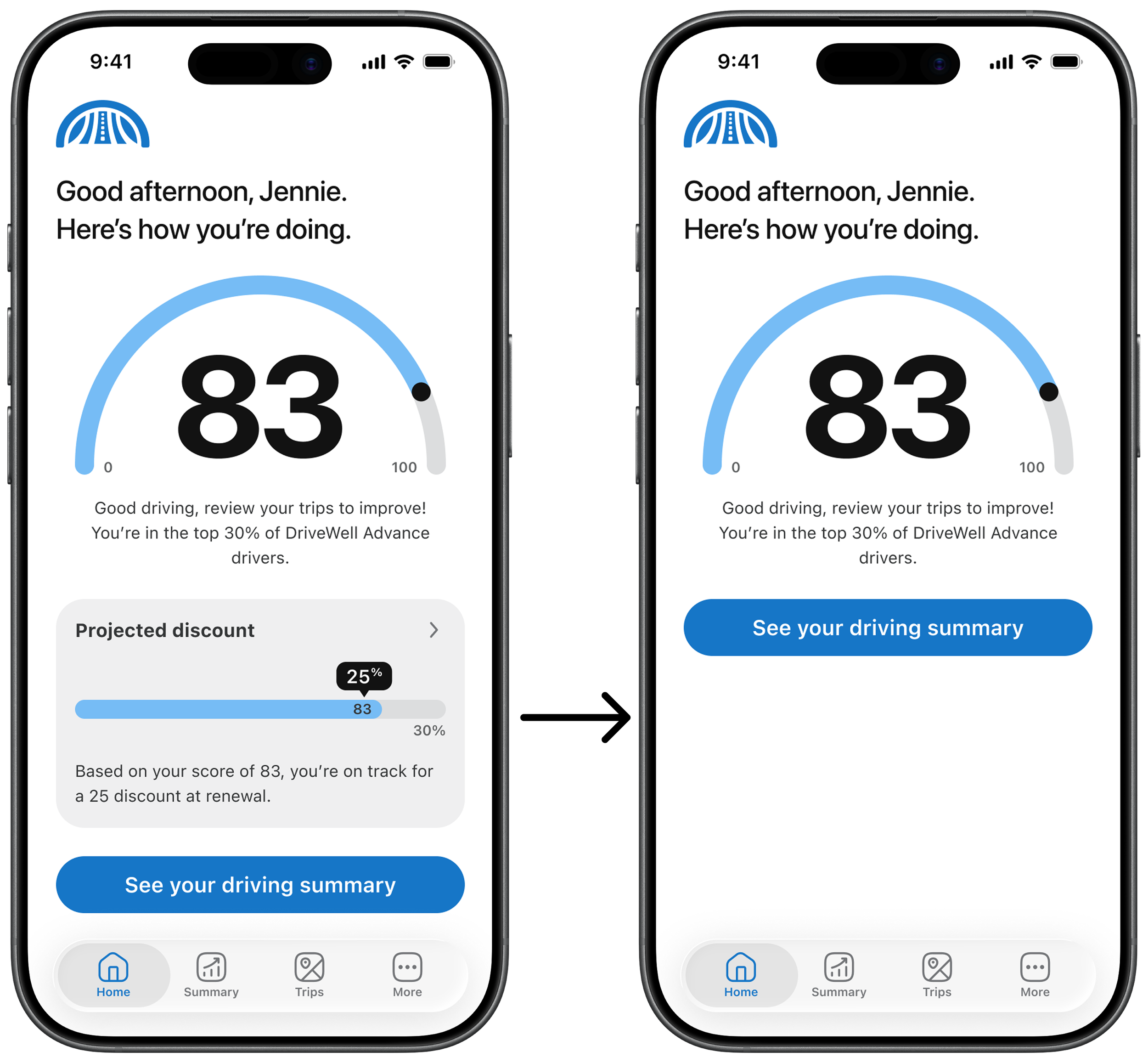
Home screen experience with a projected discount (left) and without (right), highlighting the lack of engagement when key incentives are unavailableThe home screen of our mobile product offering primarily focused on displaying a driving score and projected discount.
However, not all insurance programs could display a discount, leaving the experience sparse and unengaging for many users.
At the same time, research showed that users struggled to understand how their behavior impacted their score and what actions to take to improve it.
Where it broke
Users lacked clarity on how driving behaviors affected their score
Feedback was disconnected from actionable next steps
The home screen failed to provide meaningful, ongoing engagement
Why it mattered
Users needed clearer guidance to improve driving behavior
Engagement dropped when the home experience lacked value
Retention depended on users regularly interacting with the app
Approach
The home screen wasn’t an information problem, it was an engagement and behavior problem.
Rather than filling the home screen with additional UI, I reframed it as an opportunity to create a more engaging and educational experience.
I explored how we could deliver personalized, contextual insights directly on the home screen to help users understand their driving behavior and take action.
This led to designing a dynamic card system that surfaces relevant information based on user activity, milestones, and changes in driving performance.
Key Decisions
Designing for behavior, not just information
Research showed users responded best to clear, actionable insights, especially when tied to changes in their score.
I prioritized messaging that:
explains why a score changed
provides a clear next step
reinforces positive or corrective behavior
Result: Users felt motivated to reflect on and adjust their driving habits.
Making feedback timely and contextual
Instead of static summaries, I designed cards to appear based on specific user events:
onboarding
first trip
score changes
This ensured feedback was delivered when it was most relevant.
Result: Users consistently noticed and engaged with new information.
Balancing engagement with cognitive load
Research highlighted the risk of overwhelming users with too much information or repetitive messaging.
I designed a structured card system with:
clear prioritization
card expiration timelines
card amount limits
Result: The home screen stayed dynamic and useful without becoming cluttered.
What I built
Dynamic home screen cards
A modular card system that delivers personalized insights and guidance directly on the home screen.
Onboarding cards to introduce key concepts
Trip-based cards to reinforce learning after user activity
Score update cards to explain changes and provide actionable feedback
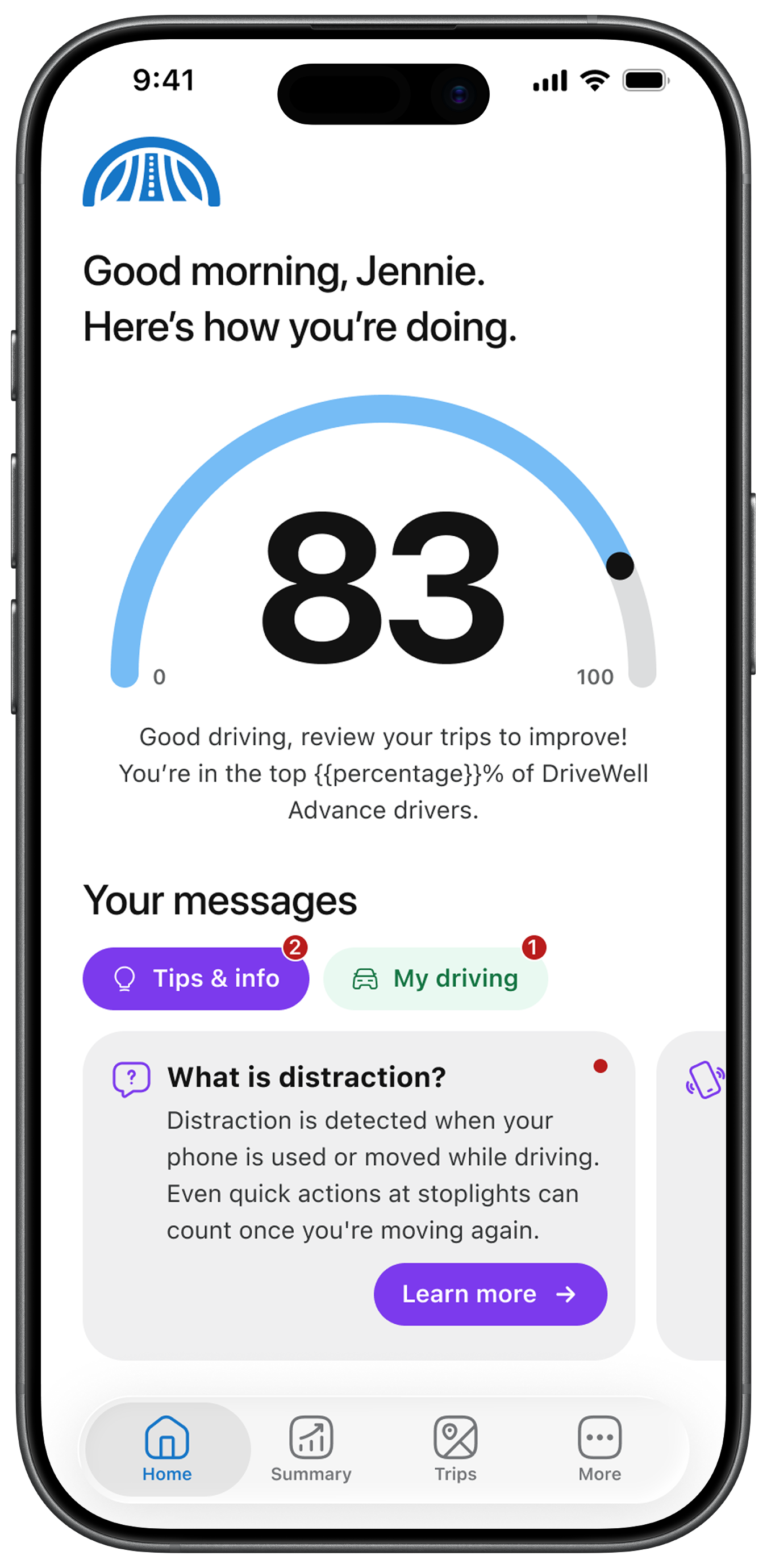
Introductory cards help users understand how the app works, what their score represents, and how to navigate key featuresBehavior feedback loop
The system connects:
user behavior → score change → explanation → action
This creates a continuous feedback loop that encourages users to engage and improve over time.
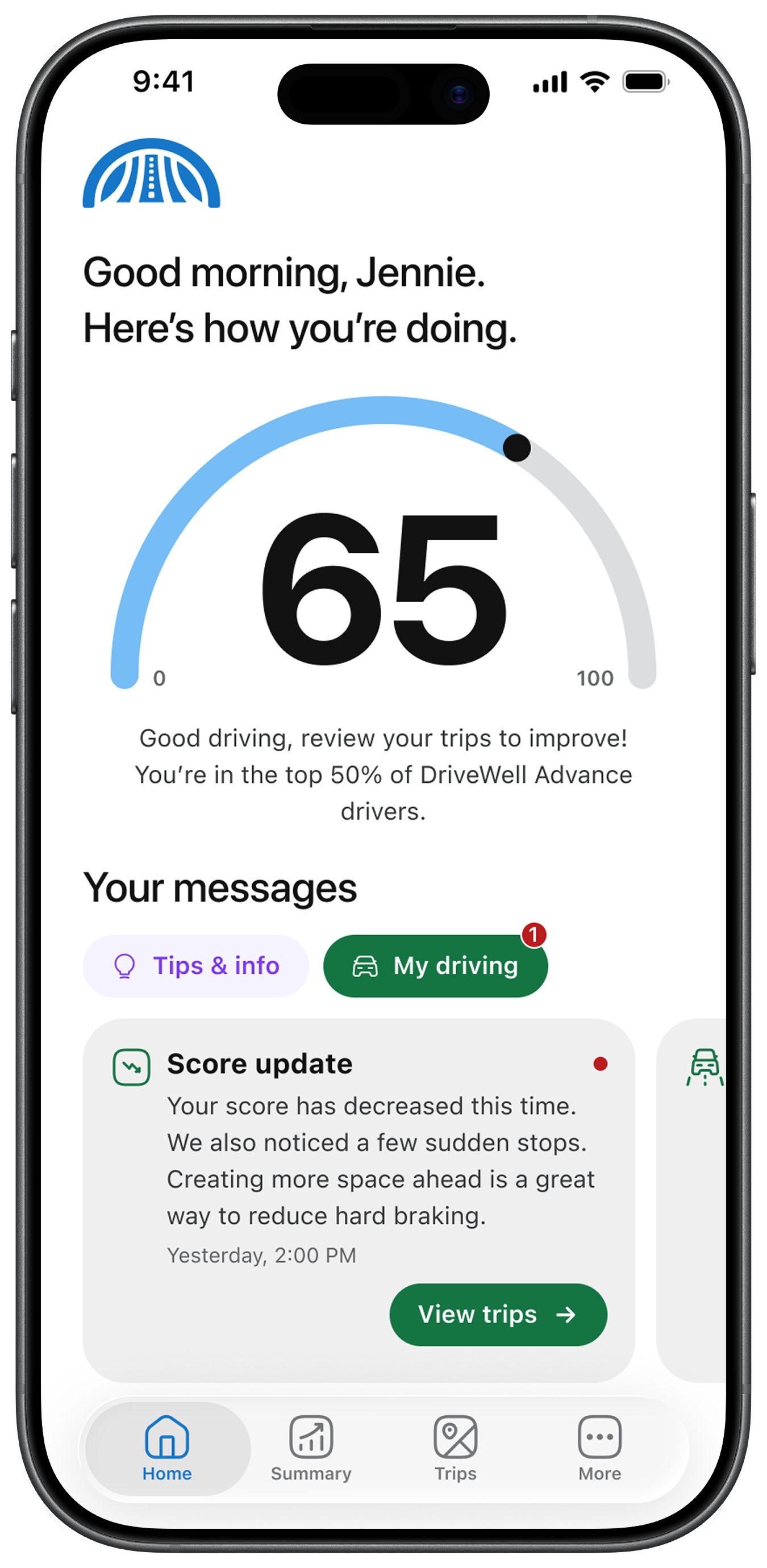
Example of a score update card providing contextual feedback and guiding users toward actionable next stepsImpact
Improved comprehension
Users consistently understood how their driving behavior impacted their score
Increased engagement
Score update cards were identified as the most engaging and valuable feature
Drove behavior change
Users reported intent to adjust driving habits based on feedback
Built trust in the system
Transparency and clear explanations improved confidence in scoring